Intake, household, and property
Connect the rehabilitation project to application, client, household, property, ownership, insurance, assessment, photo, and program records.
CDM connects household and property records with work specifications, estimates, contractor bids, awarded work, inspections, changes, disbursements, documents, and reporting for public-agency housing rehabilitation programs.
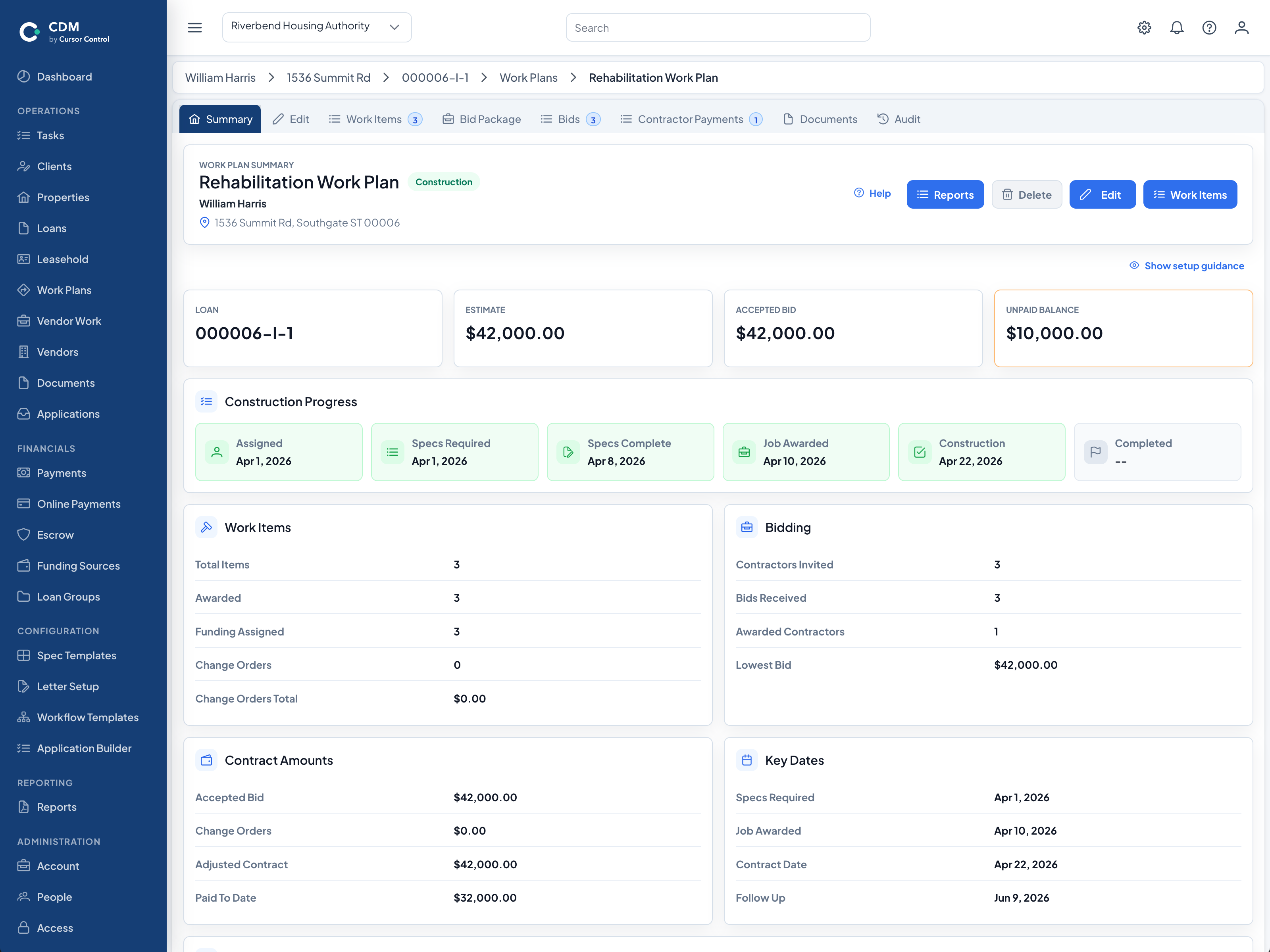
Housing rehabilitation software helps public agencies coordinate the administrative and construction records behind a repair project. In CDM, the work plan stays connected to the household, property, program, funding, contractor, inspection, document, and financial records that staff use throughout the project.
CDM supports the agency's rehabilitation workflow and recordkeeping. Project requirements, procurement decisions, inspection standards, and approvals remain the responsibility of the administering agency.
Staff can follow the project from initial records and scope development through contractor work, inspections, payment activity, and closeout without separating each phase into an unrelated file.
Connect the rehabilitation project to application, client, household, property, ownership, insurance, assessment, photo, and program records.
Build work plans with reusable work-item templates and specifications, quantities, estimated costs, and the project scope staff will carry forward.
Prepare work for bidding, compare contractor bids, record awarded work, and retain bid and contract amounts with the rehabilitation project.
Record inspection checklists, findings, photos, construction progress, and change orders alongside the scope and awarded work they affect.
Track disbursements, contractor payment requests, related documents, and the connection between payment activity and project work.
Keep project documents, tasks, dates, status, costs, inspections, contractor activity, and reporting history available for closeout and later review.
CDM keeps contractor, bid, awarded-work, inspection, document, compliance-item, and payment-request records connected to the project. Optional vendor and inspector portals can extend approved parts of that workflow beyond agency staff.
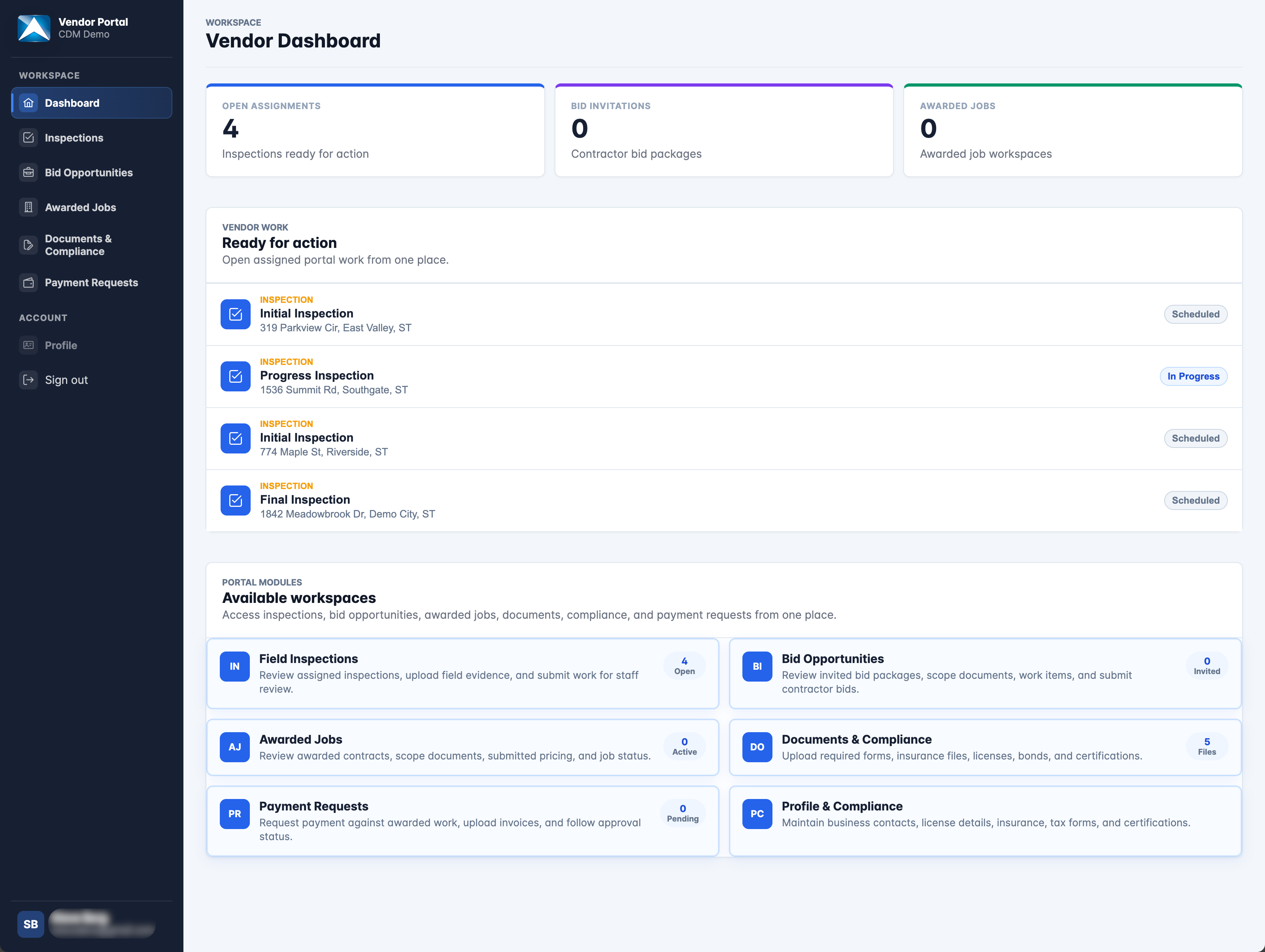
See how your agency can connect work plans, specifications, bids, contractors, inspections, disbursements, documents, and reporting.