Applicants and clients
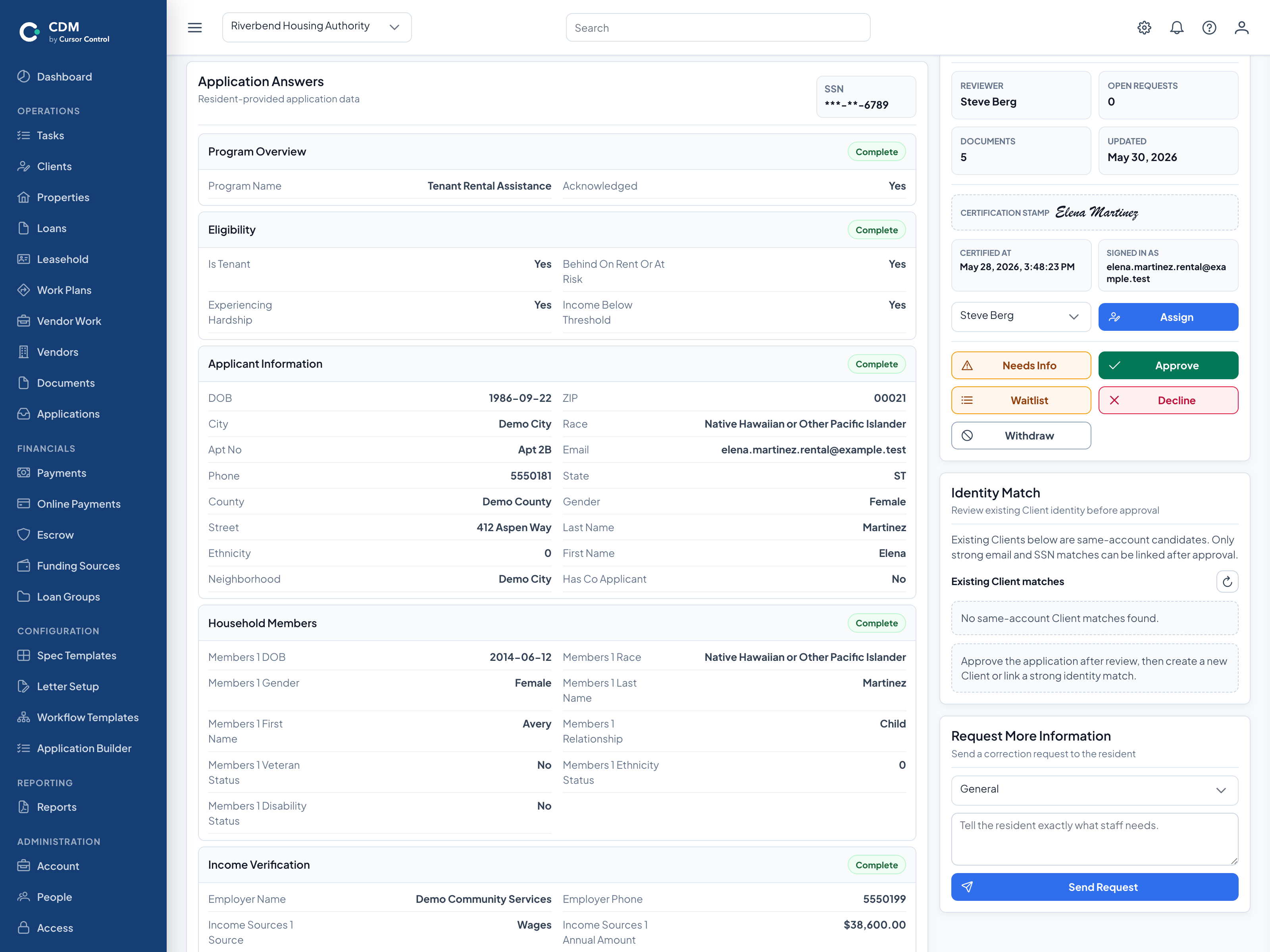
Manage intake, household and demographic information, income, configured review workflows, assignments, documents, and follow-up activity.
Community Development Manager (CDM) organizes the agency-side records and workflows behind funded activities, connecting applicants, projects, funding, loans, grants, rehabilitation, documents, tasks, portals, and reporting.
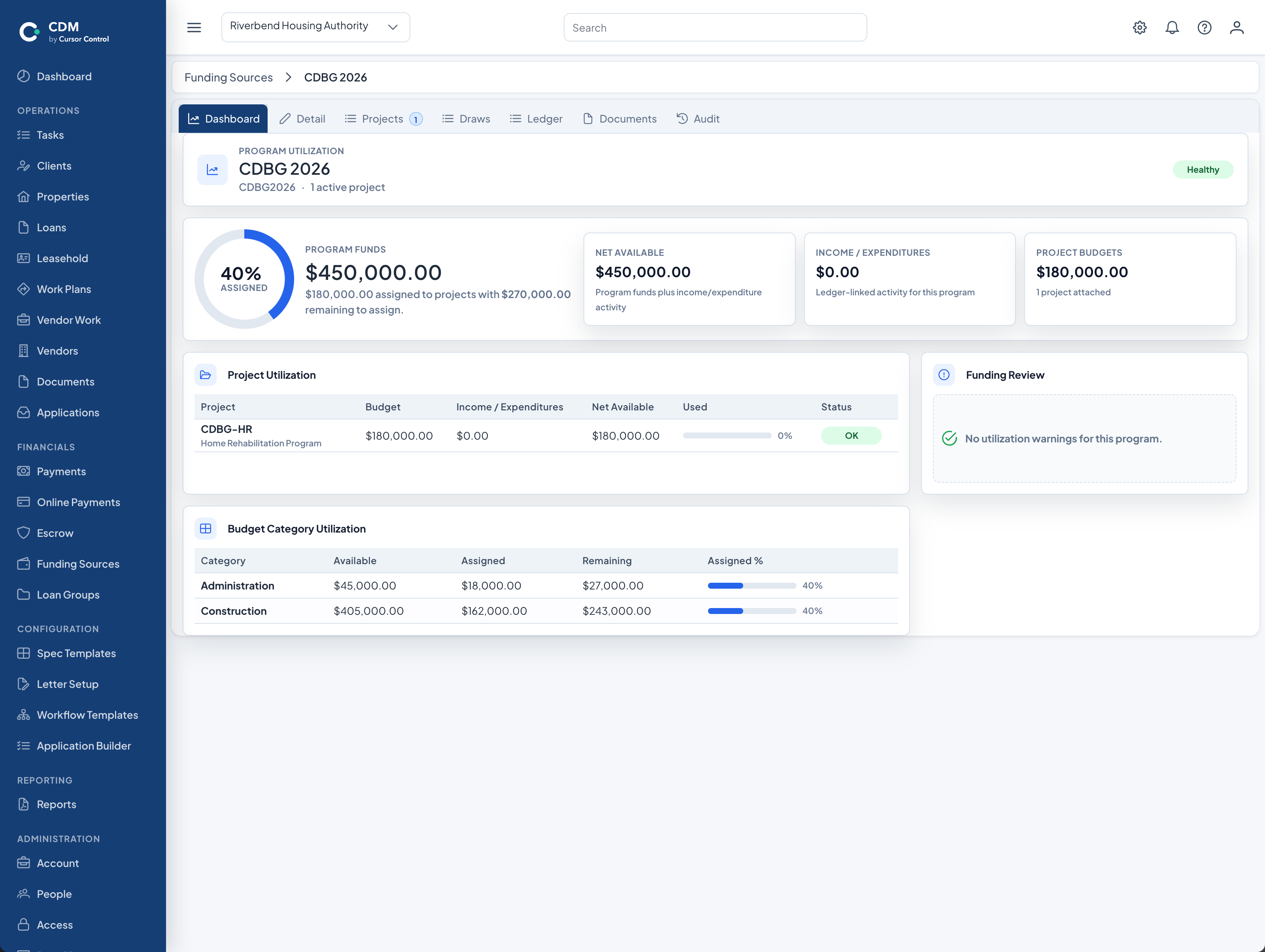
CDBG and HOME program management software gives administering agencies a connected place to organize the operational records and staff workflows behind funded housing and community-development activities. CDM links program and funding information with applicants, clients, properties, projects, assistance, rehabilitation, tasks, documents, and reports.
CDBG and HOME serve different federal program purposes and requirements, but agency teams often rely on many of the same operational records and workflows to administer activities, document decisions, coordinate work, and prepare information for review.
CDM lets agencies organize program work around the funding sources, projects, assistance types, people, properties, documents, and reporting structures that apply to each activity.
Manage intake, household and demographic information, income, configured review workflows, assignments, documents, and follow-up activity.
Track programs, funding sources, allocations, draws, expenditures, obligations, income, utilization, and projects supported by multiple sources.
Connect properties and projects to clients, funding, loans, grants, work plans, inspections, documents, tasks, and program activity.
The same funded activity may involve an applicant or client, a property, financial assistance, rehabilitation work, contractors, inspections, payment activity, documents, and staff tasks. CDM keeps those relationships visible.
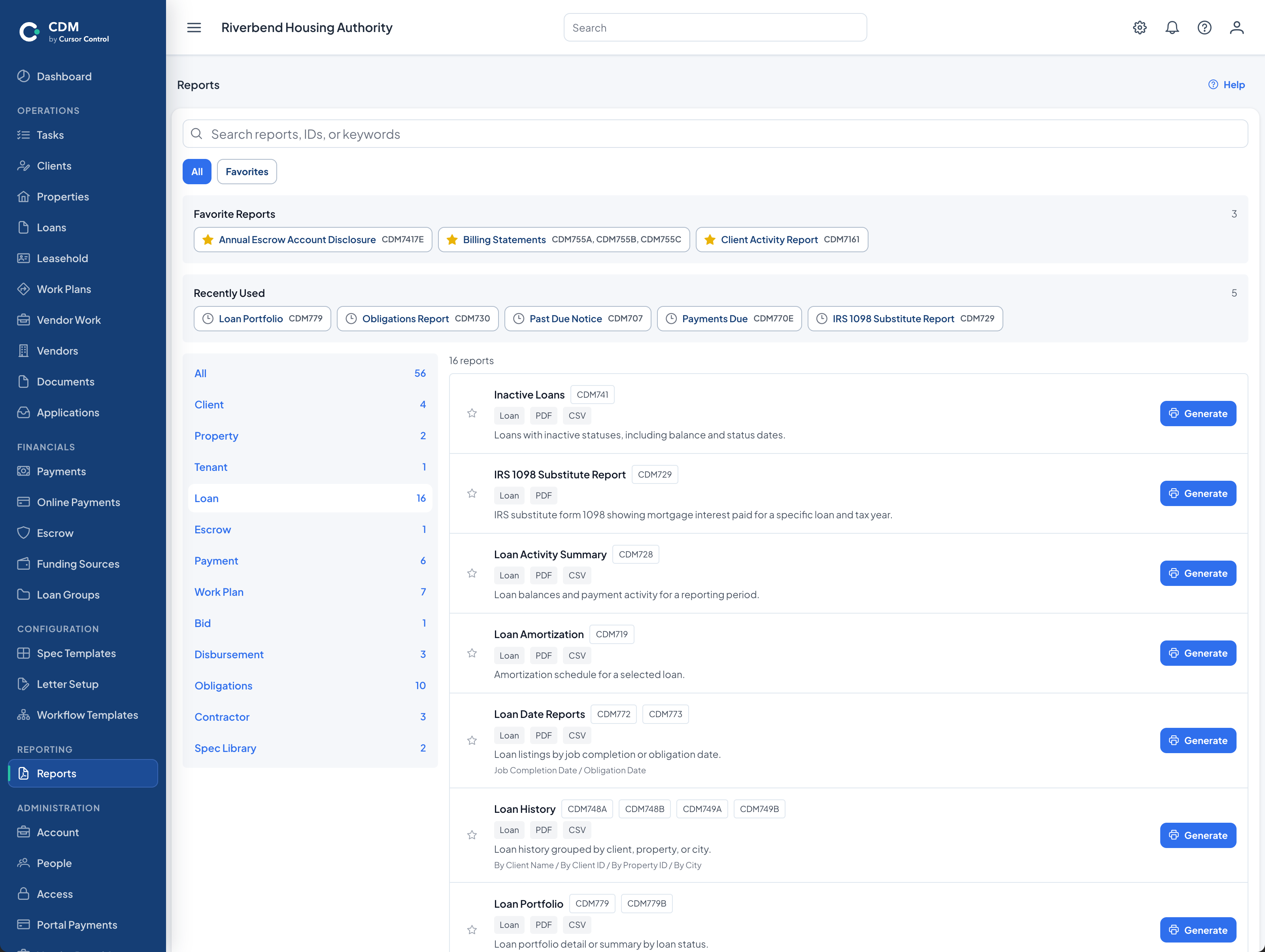
CDM reports draw from the same client, property, project, funding, loan, grant, rehabilitation, contractor, inspection, and payment records staff use in daily work. This supports monitoring, management review, audit preparation, and required reporting processes.
Schedule a walkthrough focused on your programs, projects, funding, assistance, rehabilitation, documents, tasks, and reporting needs.